Kittl
Kittl: AI-driven graphic design platform for crafting logos, posters, and social media graphics with customizable templates and advanced vector tools.

On this page
Product Info
What is Kittl?
Kittl is an innovative AI-powered graphic design platform that transforms your creative ideas into stunning, professional-quality visuals with remarkable ease. Designed for users of all skill levels, Kittl streamlines the design process, allowing you to create everything from logos and posters to social media graphics in a user-friendly, browser-based environment. Its intuitive interface, combined with customizable templates and advanced vector editing tools, makes even the most complex designs accessible and straightforward.
What truly sets Kittl apart is its powerful AI image generator, which rapidly produces unique design elements, significantly enhancing your creative workflow. By providing a unified workspace that guides you from initial concept to final mockup, Kittl eliminates the traditional barriers associated with graphic design software. This empowers you to focus on what truly matters—your creativity—making high-quality graphic design achievable for everyone, regardless of their technical expertise.
Features
AI-Powered Creative Companion
Kittl's AI acts as an integrated co-pilot for designers, generating images and vectors from text prompts, restyling design elements, and removing backgrounds. This feature streamlines workflows by reducing manual adjustments and accelerating iterations, allowing users to maintain creative control while enhancing productivity.
Infinite Canvas Workspace
The Infinite Canvas Workspace allows users to create unlimited artboards of any size within a single project. This flexibility supports simultaneous moodboarding and design development, making it easier to manage complex projects and fostering creative freedom without the constraints of traditional design software.
Real-Time Collaborative Design
Kittl supports live collaboration among team members, enabling synchronous editing and feedback. This feature promotes seamless teamwork in creating professional-quality designs, reducing version conflicts and speeding up project delivery, which is essential for teams working on tight deadlines.
Extensive Curated Asset Library
With over 10,000 in-house designed vector illustrations and more than 1,400 commercial-use fonts, Kittl's Extensive Curated Asset Library enhances design quality and speeds up the creative process. Users can access high-quality, ready-to-use assets, ensuring their designs are both polished and visually appealing.
Advanced Text Transformation and Styling
Kittl provides eight distinctive text effects, such as distort, wave, and arch, allowing users to amplify their messaging with fine artistic control. These one-click styling options enable quick creation of visually striking typography, helping designs stand out and convey professionalism.
Integrated All-in-One Editor
The Integrated All-in-One Editor combines essential design tools, asset access, and AI functionalities within a single browser interface. This eliminates the need to switch between multiple applications, streamlining the design process from concept to final output and aligning with user workflows for greater efficiency.
High-Quality Mockup Generation
Kittl facilitates the creation of professional mockups directly within the platform, allowing users to visualize and present their designs in realistic contexts. This feature improves client communication and design assessment, making it easier to showcase work without needing additional software.
Cloud-based Accessibility
As a web-based tool, Kittl offers cloud-based accessibility, allowing users to access their designs across devices without the need for software installation. This flexibility is ideal for users who work across multiple computers or locations, ensuring that their creative work is always within reach.
Intelligent Asset Management
Kittl efficiently organizes design assets within the platform, facilitating quick reuse and ensuring consistent branding. This feature reduces duplicated efforts and supports brand compliance across projects, making it easier for users to maintain a cohesive visual identity.
Export Flexibility
Kittl offers multiple export formats, including high-resolution images and vector files for both print and digital use. This flexibility enables users to seamlessly integrate their designs into various marketing or production channels, ensuring that their work is ready for any application.
Pros
- User-friendly, drag-and-drop interface suitable for both beginners and professionals, facilitating quick design creation without a steep learning curve.
- Extensive library of high-quality, customizable templates and fonts that cater to various modern design trends, allowing users to create visually appealing graphics effortlessly.
- Advanced image manipulation features, such as blend modes and clipping masks, enable sophisticated visual effects that go beyond typical beginner tools, enhancing creative possibilities.
- AI-powered tools assist with creating designs quickly and efficiently, including an AI image generator that produces unique design elements in seconds, streamlining the creative process.
- Affordable pricing structure with a free plan and tiered paid plans that offer expanded features and asset libraries, making it accessible for users with different budgets.
- Strong support and educational resources, including tutorials and responsive customer service, ensuring users can maximize the platform's capabilities.
- Secure platform with standard encryption and safe file-sharing options, ensuring privacy and data protection for users' designs and personal information.
- Supports project organization through features like artboards within projects, aiding complex design workflows and improving overall efficiency.
Cons
- AI features can sometimes produce unexpected or suboptimal results, necessitating manual refinement to achieve the desired outcome, which may slow down the design process.
- Free plan limitations include restricted projects and fewer AI credits, which may hinder heavy users or those looking to explore the platform's full potential.
- Pricing for pro and expert tiers may be considered slightly higher compared to some competitors in the market, potentially deterring budget-conscious users.
- Lacks photo effect presets found in some rival tools (e.g., Canva), which could simplify certain image edits for casual users who prefer quick adjustments.
- Being web-based, performance and usability depend on a stable internet connection and browser capability, which may affect the experience for users with slower connections.
On this page
Related AI Tools
You may also want to look at these similar AI tools to Kittl

Unleash your creativity with AI-powered tools.
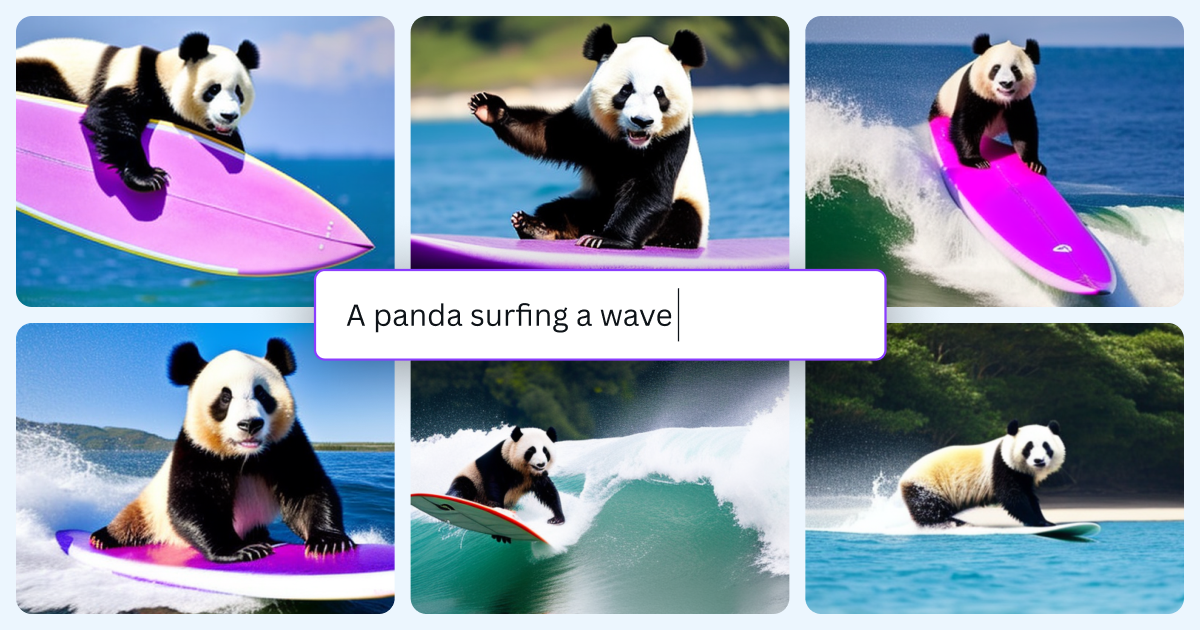
Dream it up, then add it to your design. Watch your words and phrases transform into beautiful images with the best AI image generators available at your fingertips.
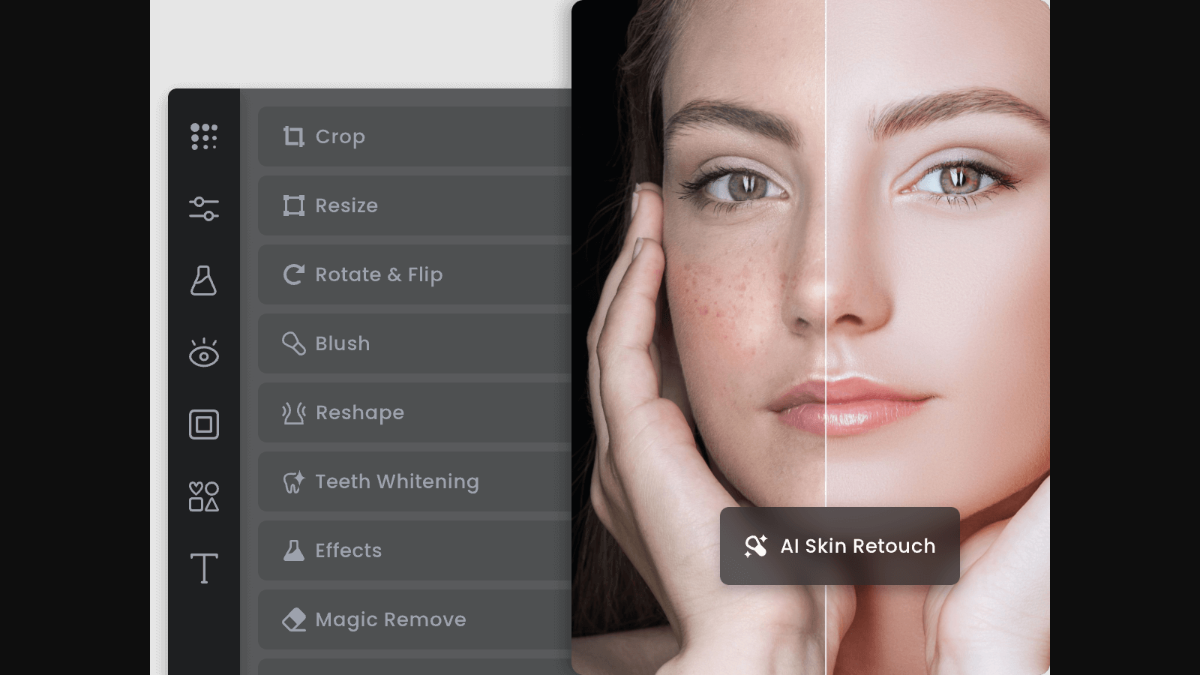
Try Fotor's online video enhancer to instantly improve video quality.