Dream Studio
Experience DreamStudio Beta: an intuitive AI tool by Stability.ai, featuring Stable Diffusion 3.5 and advanced editing capabilities.

On this page
Product Info
What is Dream Studio?
Dream Studio is revolutionizing the creative landscape with its cutting-edge AI generative capabilities. As an innovative online tool developed by Stability.ai, a leader in open-source generative AI technology, Dream Studio empowers users to effortlessly bring their creative visions to life. This tool serves as a dynamic platform where imagination meets technology, offering a seamless experience that transforms complex ideas into stunning visual content.
At the heart of Dream Studio's value proposition is its newly redesigned interface, which enhances user interaction with intuitive navigation. The integration of Stable Diffusion 3.5 stands as a testament to its advanced capabilities, allowing for the generation of high-quality images with remarkable accuracy and detail. Additionally, sophisticated editing tools provide users with the flexibility to refine their creations, making Dream Studio an indispensable asset for anyone looking to push the boundaries of digital artistry. Whether you're crafting intricate designs or exploring new creative horizons, Dream Studio provides the tools to make your ideas a reality.
Features
Real-Time Image Generation
Dream Studio leverages Stable Diffusion's latent diffusion model to transform text prompts into high-resolution visuals instantaneously. This feature significantly accelerates creative workflows by enabling artists to quickly iterate on concepts, whether they aim for photorealistic details or stylized outputs. Compared to traditional rendering processes, this real-time capability empowers creators to explore a wider array of artistic possibilities without the usual wait times.
Advanced Inpainting/Outpainting
With advanced AI brush tools, Dream Studio offers precise image modification and expansion through inpainting and outpainting. By analyzing surrounding visual context and prompt semantics, this feature ensures stylistic consistency and allows for selective edits without requiring full image regeneration. Artists can effortlessly modify specific regions or expand their canvases while maintaining the original aesthetic integrity.
Customizable Style Parameters
Dream Studio provides granular control over various style parameters, including resolution (up to 768x768), diffusion steps (1-150), and guidance scale (1-30). These customizable settings empower professionals to fine-tune outputs according to specific needs, such as aligning with brand aesthetics for print media or optimizing for social media platforms. The ability to maintain seed reproducibility ensures consistent results across different projects.
AI-Powered Content-Aware Editing
This feature incorporates smart filters for automated object removal, intelligent upscaling by four times the resolution, and context-aware fills. By analyzing image composition, Dream Studio preserves textures and lighting patterns, effectively reducing manual touch-up work. This streamlines post-production processes, allowing creators to focus on the creative aspects rather than technical corrections.
Prompt Weighting System
Dream Studio's prompt weighting system allows for nuanced control over compositional elements through fractional weight assignments. By using pipe-delimited syntax, artists can emphasize key subjects and suppress unwanted artifacts often seen in diffusion models. This feature offers a refined level of control, enabling more precise and intentional visual compositions.
Seamless API Integration
The tool offers REST endpoints for batch image generation and editing workflows, making it seamlessly integrable into existing design pipelines. Developers can adjust parameters programmatically, such as negative prompts and sampling methods, to facilitate enterprise-scale content creation with automated quality control. This capability supports large-scale operations while maintaining high standards of output.
Multi-Format Style Transfer
Supporting cross-modal style applications, Dream Studio allows for consistent branding across various media types by transferring styles between vector/raster inputs and text prompts. The AI disentangles content and style features through latent space interpolation, eliminating the need for manual adjustments and ensuring uniformity in branding efforts.
Dynamic Resolution Scaling
This feature automatically optimizes diffusion parameters for any aspect ratio, from 1:1 to 16:9, while maintaining edge detail. By eliminating the need for manual cropping or upscaling, it ensures that assets are adaptable across different platforms, such as mobile feeds and desktop banners, without compromising on quality.
Content Safety Controls
Dream Studio incorporates automated NSFW filtering and copyright-aware generation, adhering to Stability AI's ethical framework. These content safety controls guarantee brand-safe outputs, allowing creators to produce compliant material confidently while aligning with industry standards and ethical guidelines.
Pros
- Intuitive Interface: Dream Studio's design is accessible for both novices and experienced users, ensuring a smooth learning curve and efficient workflow for digital art creation.
- Real-Time Image Generation: Leveraging advanced AI algorithms, this tool generates images swiftly, enabling users to see immediate results and iterate on their creative ideas quickly.
- Custom Style Options: With a variety of style settings, users can tailor their creations, providing flexibility and fostering diverse artistic expression.
- Image Editing Capabilities: Dream Studio allows for in-depth editing, enhancing, and modifying of existing images, making it a versatile tool for refining artwork.
- Advanced Editing Tools: Features like Inpaint and Resize are readily accessible, empowering users to make precise adjustments and achieve their desired outcomes effortlessly.
- User-Friendly Digital Art Creation: By simplifying complex artistic processes, Dream Studio supports a straightforward approach to creating digital art, encouraging creativity without technical barriers.
Cons
-
Inconsistent Output Quality
Users might experience variability in results, which can necessitate multiple iterations and adjustments to achieve the desired outcome, potentially increasing time investment. -
Costly Token-Based Pricing Model
The token-based pricing structure could lead to higher expenses, especially for users with frequent or intensive usage needs, making budgeting for the tool more challenging. -
Limited Customization Options
Compared to some competitors, Dream Studio may offer fewer customization features, which can limit its adaptability to specific project requirements and user preferences.
On this page
Related AI Tools
You may also want to look at these similar AI tools to Dream Studio

Unleash your creativity with AI-powered tools.
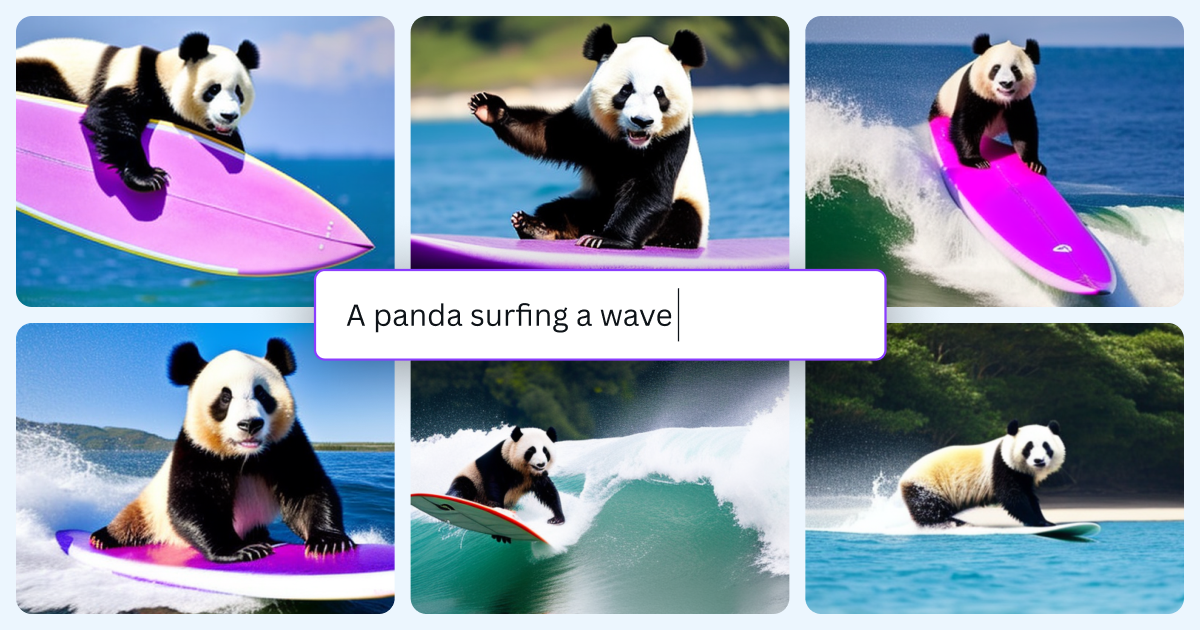
Dream it up, then add it to your design. Watch your words and phrases transform into beautiful images with the best AI image generators available at your fingertips.
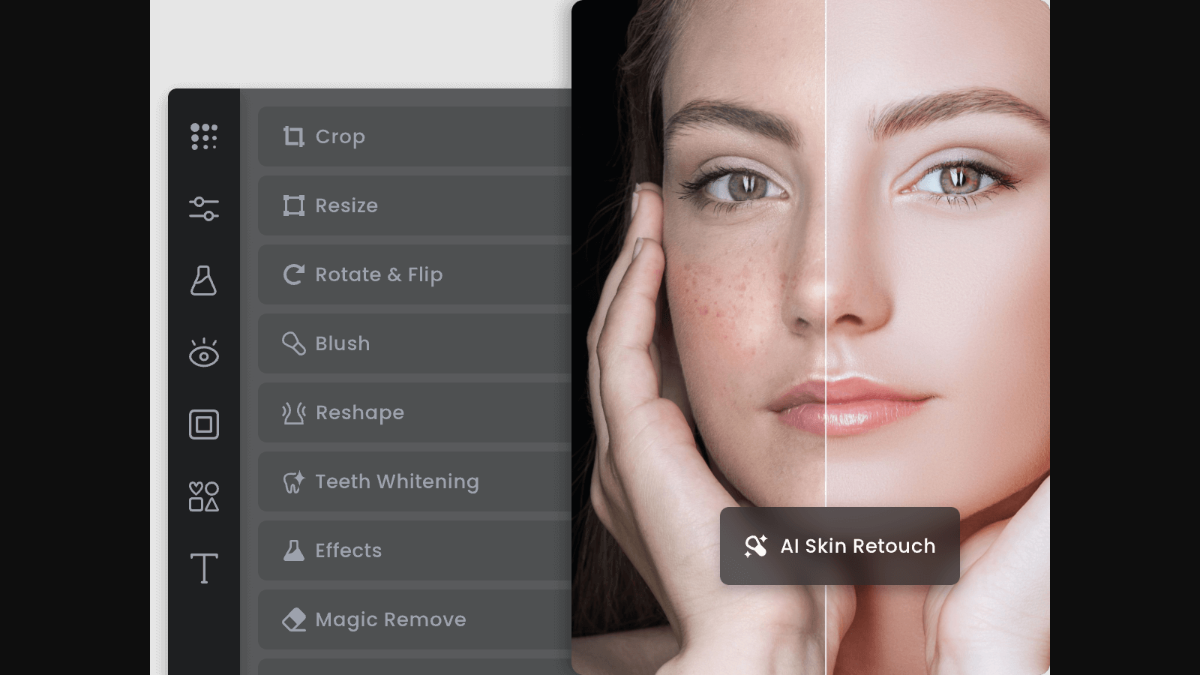
Try Fotor's online video enhancer to instantly improve video quality.